Growing something fun
Your next coding adventure is opening...
Growing something fun
Your next coding adventure is opening...
LIVE ONLINE CLASSES FOR KIDS 8–12 🚀
Fun learning every day 🚀
🎥 Learn live with teachers
🧑🏫 Guided step-by-step help
🛠️ Build cool real apps
🏆 Get reward certificates
🎥 Learn live with teachers
🧑🏫 Guided step-by-step help
🛠️ Build cool real apps
🏆 Get reward certificates
Collect all coding powers
Tap floating icons to earn XP
Short lessons, fun games, and creative projects kids love.
Build cool games & play while learning.
Learn coding with fun mini projects.
Solve puzzles and improve logic.
Turn ideas into amazing projects.
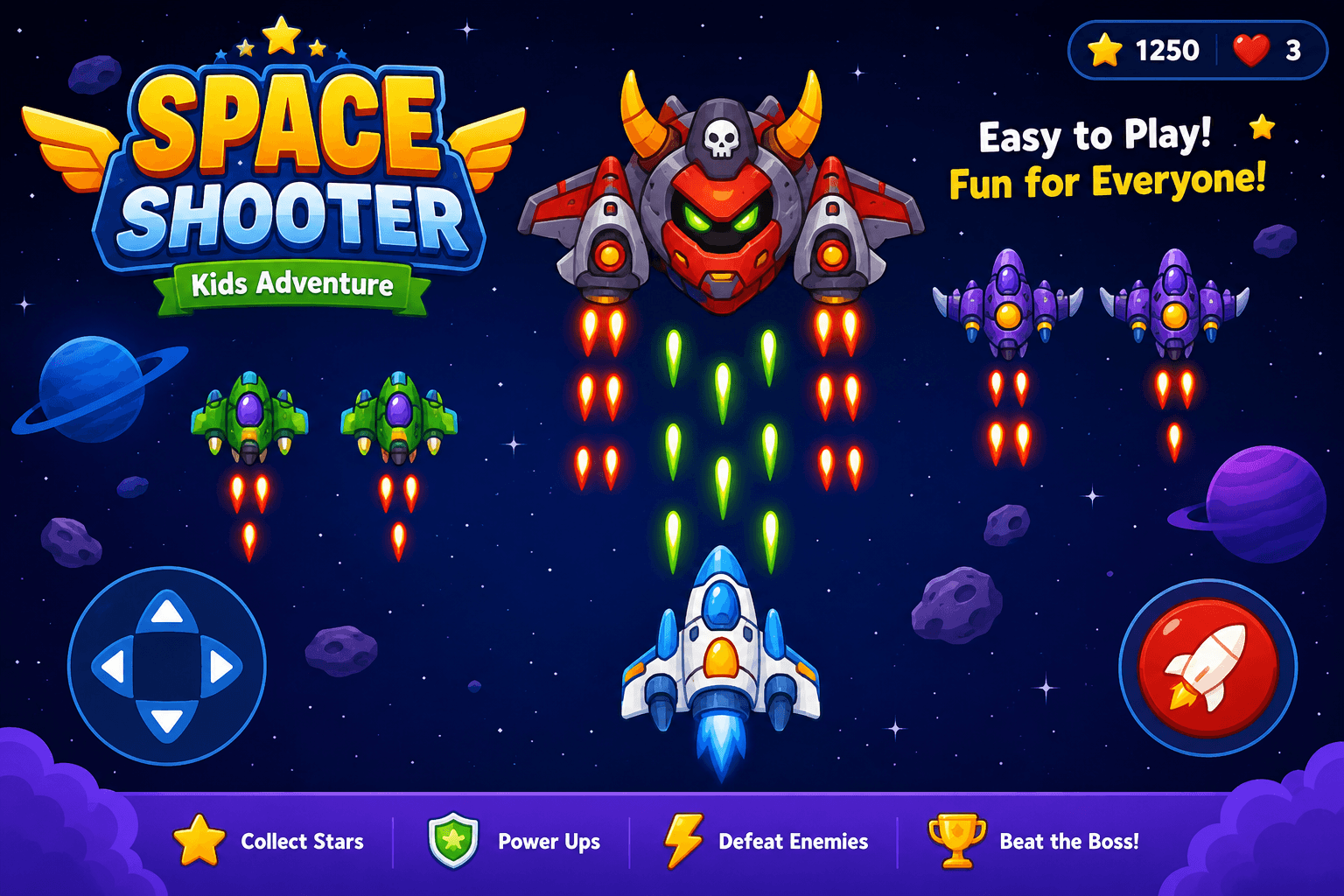
Pilot your ship, blast the asteroids, and protect the galaxy before time runs out.
Read the code, find the buggy line, and squash it before the timer runs out!
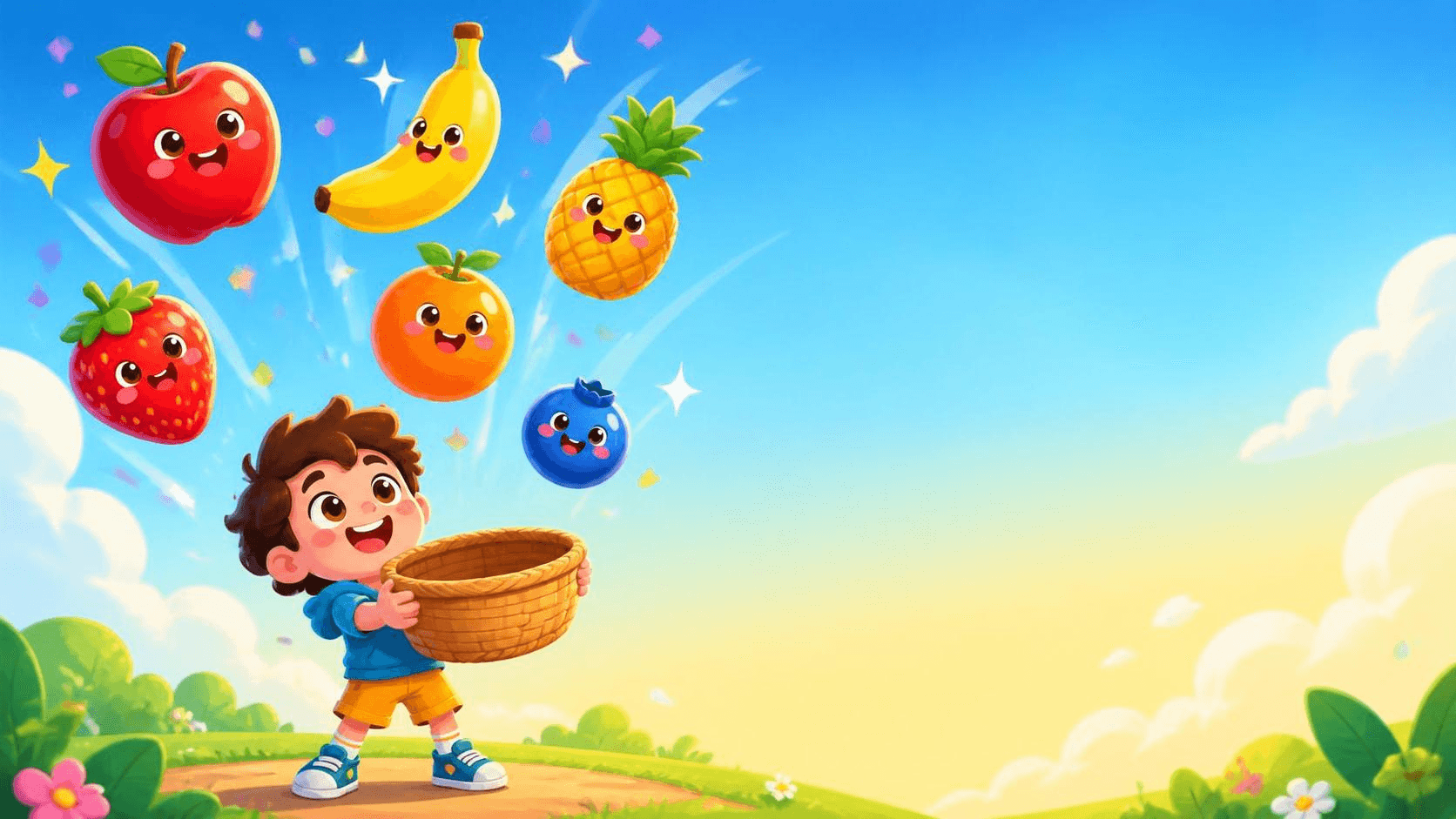
Catch fruit, collect bonus stars, and dodge the rocks before time runs out.
Pilot your ship, blast the asteroids, and protect the galaxy before time runs out.
Read the code, find the buggy line, and squash it before the timer runs out!
Catch fruit, collect bonus stars, and dodge the rocks before time runs out.
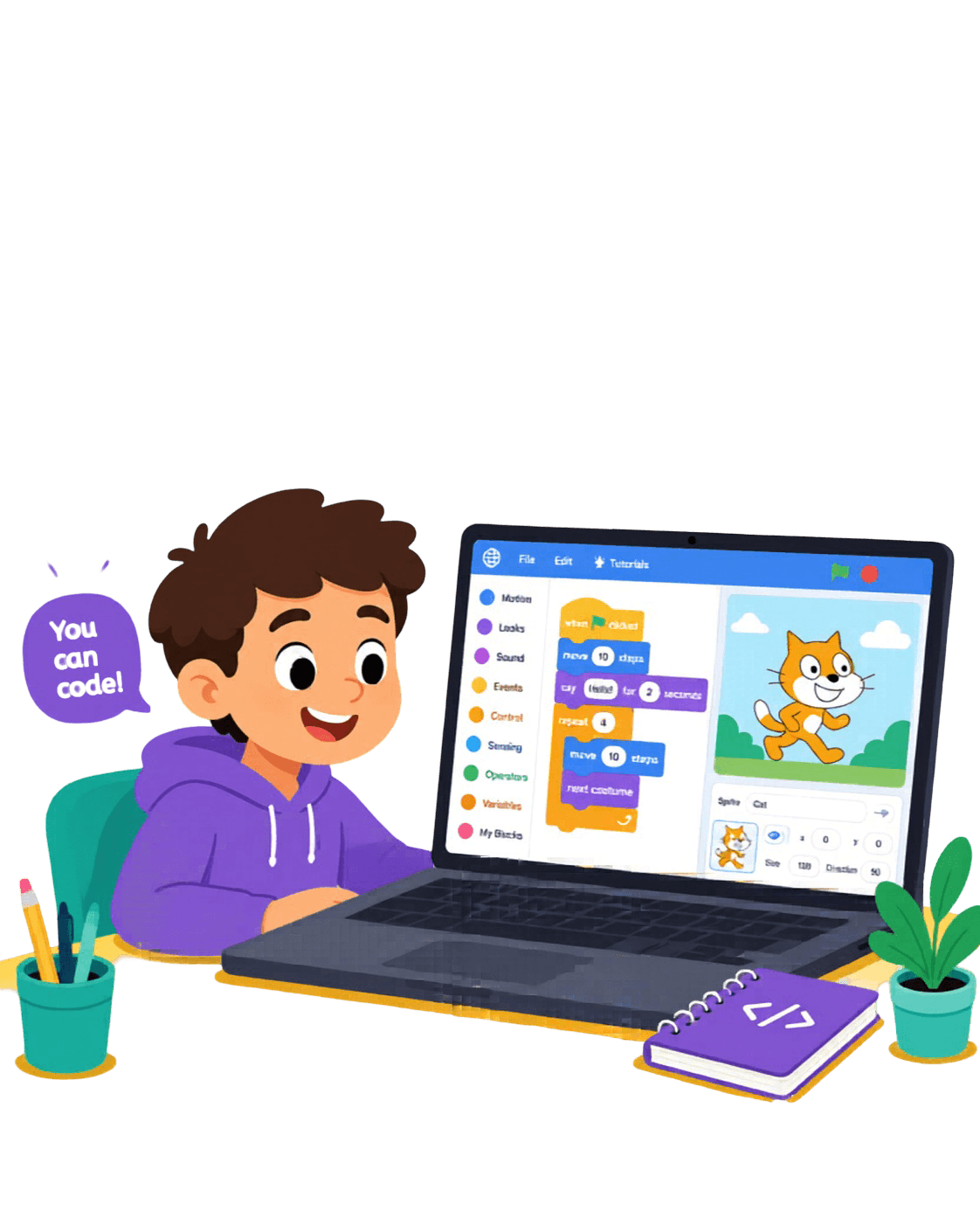
Kids learn coding by building fun games, animations, and creative projects using Scratch.
Weeks Program
Step-by-step fun learning journey with exciting mini game projects every week 🚀
Learn coding concepts through games, animations, storytelling, and interactive fun activities designed for kids.
Live Classes / Week
Interactive live sessions where kids build and play together 🏆
Our live online classes are designed for kids aged 8–12.
Kids learn coding concepts by building fun games, animations, and creative projects using Scratch — with logic building woven into every project.
All classes are live and online. The Scratch Game Creator Program runs for 8 weeks with 2 interactive live classes per week, where kids build and play together.
Just a laptop or computer with an internet connection — Scratch runs in the browser, so there's nothing to install.
Yes! Book a free demo with your name and mobile number, and we'll schedule a personalized session for your child.
Message us on WhatsApp and we'll share the latest program details and pricing with you.